11 tools
Image Conversion Tools
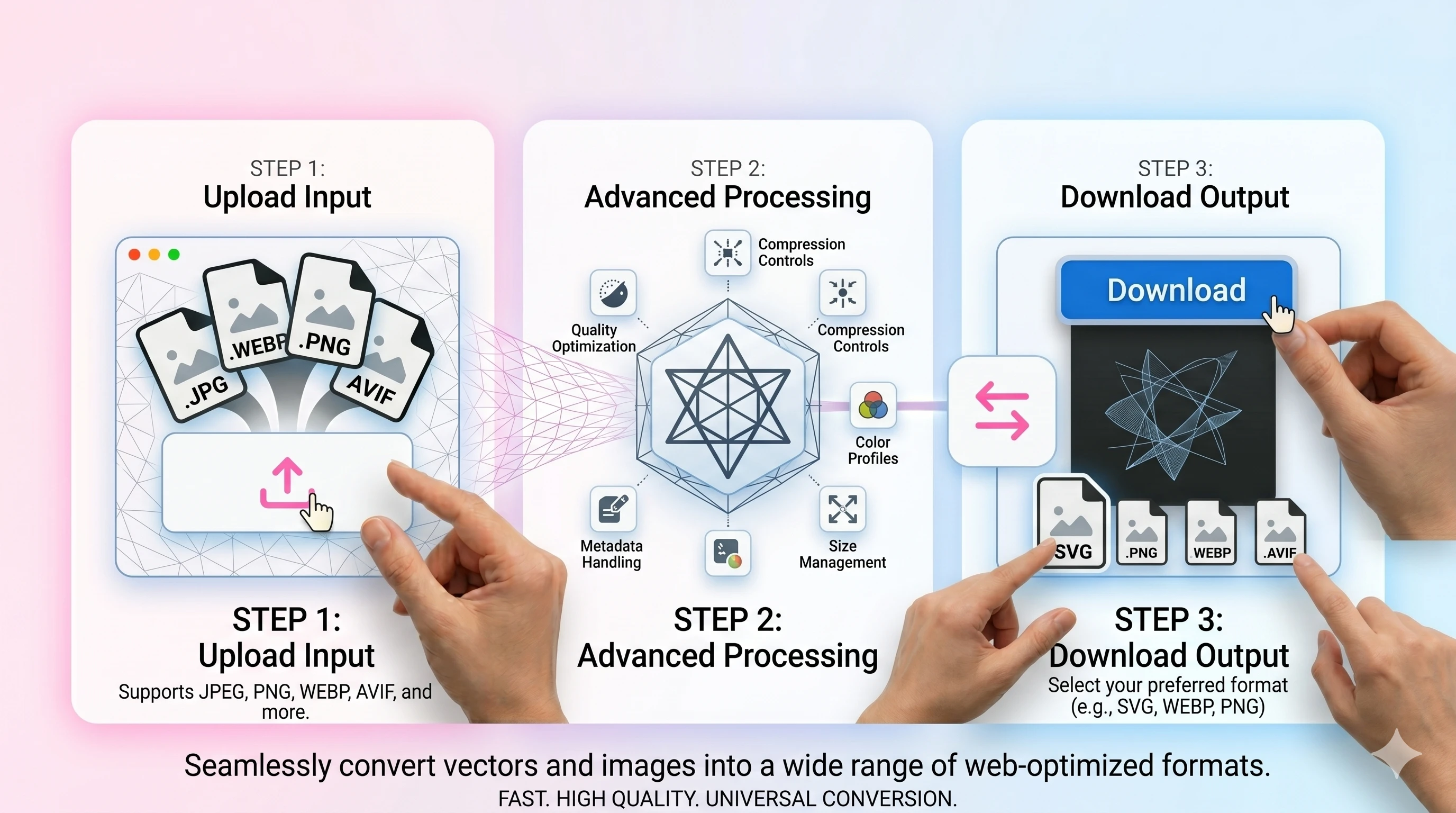
Explore Omnvert’s online image conversion hub to switch between PNG, JPG, WEBP, AVIF, and PDF without any installs. Each converter keeps colors, transparency, and EXIF as intact as possible while avoiding quality-killing re-encodes. Drag multiple files, preserve the order you selected, and download within seconds thanks to fast, loss-aware pipelines. Need lightweight JPEGs for the web, transparency-safe PNG/WEBP/AVIF for design, or quick PDF packaging? Everything runs in secure, short-lived temp folders with clear size limits, so your images stay private. No accounts, no installs—just high-quality exports, reliable downloads, and easy mobile/desktop workflows.
Three questions decide which converter you want: are these iPhone photos (HEIC), are you trying to make files smaller for the web (WebP or AVIF), or do you need something every app can open (JPEG or PNG)? The groups below are in that order.
iPhone photos (HEIC)
1Shrink for the web (WebP & AVIF)
4Back to JPEG & PNG
6Other tool families
Not the right family? These are the neighbouring sets people usually need next.
Related Image Tools
About
Different platforms expect different formats: JPEG for compatibility, PNG for crisp graphics, WEBP/AVIF for modern size savings. Omnvert helps you switch formats while keeping previews, order, and export settings in one place.
If you convert to JPEG, remember that JPEG cannot store transparency. Pick a background color so logos and icons don’t get dark halos. For transparent exports, keep PNG/WEBP/AVIF.
For speed and SEO-friendly web delivery, export smaller assets (WEBP/AVIF where supported), and keep originals for re-editing. Converting once from the source avoids compounding compression artifacts.
FAQ
›Which image formats are supported?
›Will transparency be preserved?
›How do I keep quality while reducing size?
›Is it safe and private?
Format choice is a trade between compatibility and file size: HEIC is what the iPhone writes and what half the web cannot open, WebP is universally supported now, and AVIF is smaller again at the cost of encoding time. The conversions run on your device, so photos are never uploaded, and the quality setting is yours rather than a fixed preset.